You open your phone, search your own business on Google, and your listing is gone — or it’s there but you can’t touch it. A banner says suspended. The calls stop, the Maps leads dry up, and the panic is immediate, because for most home-service businesses the Google Business Profile is the single biggest source of “ready to book” customers.
Take a breath. A suspension is recoverable far more often than owners think — but only if you do it in the right order. The fastest way to make it worse is to start frantically editing the profile and mashing the appeal button. Here’s the real recovery path, with no invented Google policies and no false promises about timelines.
First: which kind of suspension are you dealing with?
Not all suspensions are the same, and the type tells you how much is broken.
- Soft suspension. Your profile still exists on Maps, but you’ve lost the ability to manage it — your dashboard access is limited or gone, and edits are blocked. Critically, the listing usually reverts to unverified, which means it’s newly exposed to user-suggested edits to your hours, address, and other details. The public can still find you; you just can’t control the listing. This is the milder case.
- Hard suspension. Your profile is removed from Maps and Search entirely. Customers searching for you simply don’t find the listing. This is the serious case, usually tied to a clear or repeated violation — a fake address, a profile Google decides shouldn’t exist, or an account-level problem.
Both are fixed through the same reinstatement appeal, so you don’t need to label it perfectly to act. But knowing whether your listing is still visible tells you how urgent the bleeding is — and whether customers are seeing a profile you can no longer manage.
One thing Google does not reliably do is tell you the exact reason. The suspension email and the appeals tool may name a broad policy, but rarely the specific line you crossed. So step one isn’t appealing — it’s diagnosing.
What actually triggers a suspension
Suspensions almost always trace to one of these. Find yours before you touch anything:
- Fake, virtual, or coworking address. A PO box, a virtual office, or a coworking hot desk you rented just to “look local” is the single most common trigger — especially for trades. Google applies tighter scrutiny to categories like plumbing, HVAC, roofing, locksmith, and moving, precisely because those niches attract fake-location spam.
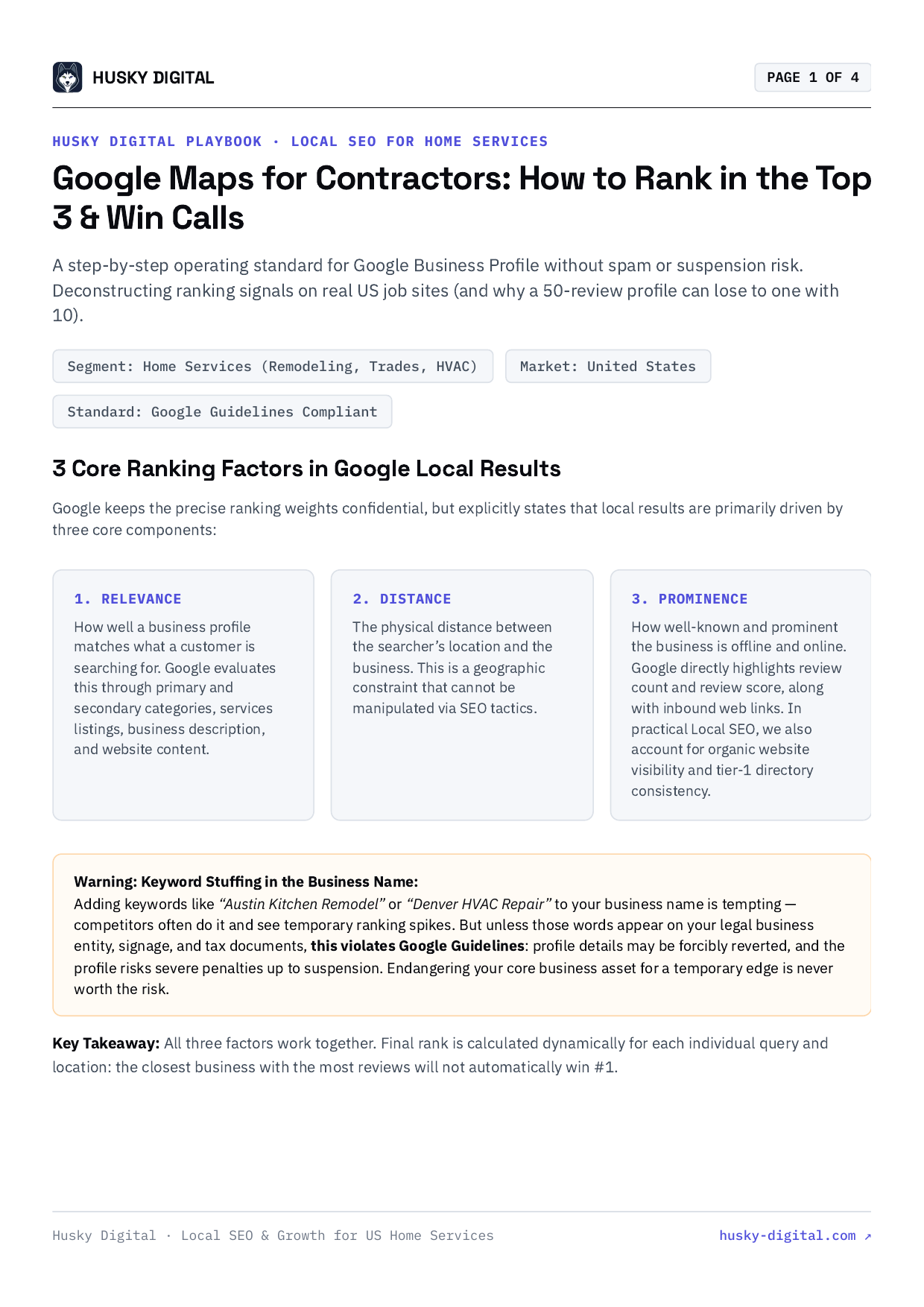
- Keyword-stuffed business name. Your profile name must be your real, registered business name. Adding “Charlotte HVAC Repair” or “24/7 Emergency Plumber” to juice rankings is a name violation Google actively suspends for. (Keywords are only fine when they’re genuinely part of your legal name.)
- Prohibited or wrong category. Listing under categories you don’t legitimately serve, or in restricted niches, draws review.
- A big edit that triggered re-review. Changing your name, address, or primary category — or doing several edits at once — can flip a profile that was fine for years back into manual review, where an old underlying issue surfaces.
- Duplicate listings. Two or more profiles for the same business read as manipulation, even if you created the second one by accident.
- Account-level issues. A compromised, repeatedly flagged, or policy-violating Google account can drag down every profile attached to it.
If you genuinely operate from a real location under your real name, your suspension is usually a misunderstanding you can document your way out of. If you cut a corner, the fix is to uncut it — not to argue.
The real recovery path (in order)
This is where most owners go wrong. They start appealing before they’ve fixed anything, the reviewer sees the same violation still live, and the denial makes the next attempt harder. Do it in this sequence instead.
1. Read the notice and diagnose the actual violation
Start with the suspension email and the appeals tool itself — the tool now usually shows the specific policy or restriction it’s enforcing. Read that first, then compare your profile, line by line, against Google’s guidelines for representing your business. Be honest about the address, the name, the categories, and whether you have duplicates. You’re looking for the one thing you’d least like to admit — that’s usually it.
2. Fix it — don’t just appeal around it
- Rename the profile to your exact legal business name. Strip every keyword.
- Drop a fake or coworking address in favor of one you genuinely operate from. If you’re a service-area business, hide the address and set a real service area — that’s compliant; a virtual office is not.
- Remove duplicate listings you control so only one real profile remains.
- Lock down account access — revoke any old agencies, freelancers, or risky logins. A clean, secure owner account matters.
3. Align your NAP everywhere
Make your name, address, and phone identical across your website, your profile, and your citations. When they conflict, Google loses confidence and is quicker to deny. This consistency is foundational local SEO work — not a one-time cleanup. If your site, directories, and profile are telling three different stories, fix the story first.
4. Gather evidence before you open the form
The reinstatement form lets you attach proof, but once you open the evidence form you have to submit it within about 60 minutes — so have everything ready first. Pull together:
- Business license or registration
- A recent utility bill at the business address (electricity, water, internet, phone)
- Your lease or property document
- A tax certificate if you have one — Google lists it among accepted documents
- Clear photos of signage and your branded vehicle, tools, and equipment
The name and address on every document should match the profile. Reviewers check whether your paperwork lines up with the listing — not how passionately you explain yourself.
5. File one clean appeal — not five
Reach the appeals tool the normal way: search your business name on Google, open your profile, and look for the suspension notice or the “appeal” option in the menu, or go straight to Google’s Business Profile appeals tool form. Then confirm your account, select the suspended profile, review the stated restriction, submit the appeal, and attach your evidence. Keep the written explanation short and factual — what you do, where you operate, and that your documents match. Skip the emotional essay; reviewers want proof, not a story.
Then stop. Do not create a new profile for the same business while the appeal is under review — that’s an explicit Google no, and it can sink your case. One well-documented appeal beats ten desperate ones.
When there’s no appeal button
Not every suspension shows an appeal option. Sometimes the tool tells you to wait, points you to a different flow, or shows nothing actionable at all. Don’t panic and don’t spin up a second profile to “force” it. Confirm you’re logged into the account that actually owns the profile, give it a little time, and if it stays stuck, your route is Google’s Business Profile support and the official Help Community — not a workaround that creates a new violation.
Timelines, re-verification, and staying calm
Here’s the honest part: Google does not publish a guaranteed reinstatement timeline. It says it’ll review your appeal and email a decision — that’s it. In practice, a clean, well-documented first appeal often resolves in anywhere from a few business days to a couple of weeks, while denied-and-resubmitted cases run longer. Anyone quoting you an exact number is estimating, not citing policy.
Be ready for re-verification. Even after a successful appeal, Google may ask you to verify the profile again — increasingly by video (a short live recording of your location, signage or branded truck, and you accessing the workspace) or, less often, by postcard. That’s normal, not a second rejection. If your business is real, it’s a step, not a wall.
Good news on the part owners worry about most: when a profile is reinstated, your reviews, photos, and history generally come back with it. Reinstatement restores the listing — it doesn’t reset you to zero.
If your first appeal is denied, don’t spray resubmissions. Re-read the reason, fix anything you missed, strengthen the evidence, and submit a cleaner second appeal. Repeated sloppy attempts are what turn a recoverable case into a stuck one.
What to do while you’re suspended
A suspension feels like the lights went out, but it mostly knocks out one channel — Google Maps and the local pack. Most everything else still works, and you should lean on it:
- Your website still ranks and converts. Organic search and your service pages keep pulling leads. This is exactly why a strong site and ongoing SEO matter — they’re not hostage to one Google product.
- Local Services Ads run through a separate screening and verification process — but check it, don’t assume it’s safe. Here’s the nuance: Google requires a public, verified Business Profile to participate in Local Services Ads, so a Business Profile suspension can put your LSA eligibility at risk too. Log into Local Services and confirm your “Google Guaranteed” ads are still live rather than assuming they’re untouched.
- Google Ads, your CRM, referrals, and repeat customers are all untouched.
Don’t let panic about Maps stall the rest of your marketing. Fix the profile methodically while the other channels carry the lead load.
How to never go through this again
Prevention is boring and cheap; reinstatement is stressful and slow. Lock these in:
- A real address. Operate from where you say you do. No virtual offices, no rented mailboxes, no coworking pins.
- Your real, registered name. No keywords stuffed into the profile name — ever.
- Claimed and verified, by you, on a secure account.
- Locked-down access. Remove stale users, use a strong password and 2-step verification, and audit who can manage the profile.
- Edit carefully. Make major name/address/category changes deliberately, not in a rushed batch, since they can trigger re-review.
A profile built on the truth almost never gets suspended — and when it does, it’s the easiest kind to get back.
FAQ
What’s the difference between a soft and a hard Google Business Profile suspension? A soft suspension leaves your listing on Maps but strips your ability to manage it — you lose dashboard access and edits, and the profile typically reverts to unverified, which leaves it more exposed to user-suggested edits. A hard suspension removes the listing from Maps and Search entirely, so customers can’t find you at all. Hard suspensions usually trace to a serious or repeated violation, like a fake address or a profile Google decides shouldn’t exist; both are appealed through the same reinstatement process.
Why did my Google Business Profile get suspended? The most common triggers are a fake, virtual, or coworking address you don’t genuinely operate from, and a keyword-stuffed business name like “Joe’s Plumbing Charlotte 24/7.” Big edits to your name, address, or category can trigger a re-review, and duplicate listings, prohibited categories, or a compromised account also get flagged. Google rarely tells you the exact reason, so you usually have to diagnose it against its guidelines.
How do I reinstate a suspended Google Business Profile? Do not keep editing or re-submitting blindly — fix the actual violation first. Correct a keyword-stuffed name, drop a fake or coworking address, remove duplicate listings you control, and align your name, address, and phone everywhere. Then gather evidence — license, utility bill, lease, tax certificate, signage and vehicle photos — and file one clean appeal through Google’s Business Profile appeals tool. Re-verification by video or postcard may be required before you’re back.
How long does Google Business Profile reinstatement take? Google reviews your appeal and emails a decision but does not publish a guaranteed timeline, so treat any specific number as an estimate, not a promise. In practice a clean, well-documented first appeal often resolves in a few business days to a couple of weeks, while denied-and-resubmitted cases run longer. Appealing while the violation is still live usually just gets you denied again and can make the case harder.
The honest bottom line
A suspended Google Business Profile is scary but rarely fatal — if you resist the urge to flail. Diagnose the real violation, fix it for good, line up your name, address, and phone, gather your documents, and file one clean appeal. Keep your website and SEO carrying leads while you do, and check that your Local Services Ads are still live rather than assuming they are. The owners who stay suspended are usually the ones who kept appealing without fixing anything underneath.
If you’re suspended, stuck in a denial loop, or just not sure what tripped the flag, we’ll diagnose it and walk the reinstatement for you. Reinstate my profile and we’ll map exactly what’s wrong and how to get you back on Maps.
Frequently asked questions
- What's the difference between a soft and a hard Google Business Profile suspension?
- A soft suspension leaves your listing on Maps but strips your ability to manage it — you lose dashboard access and edits, and the profile typically reverts to unverified, which leaves it more exposed to user-suggested edits. A hard suspension removes the listing from Maps and Search entirely, so customers can't find you at all. Hard suspensions usually trace to a serious or repeated violation, like a fake address or a profile Google decides shouldn't exist; both are appealed through the same reinstatement process.
- Why did my Google Business Profile get suspended?
- The most common triggers are a fake, virtual, or coworking address you don't genuinely operate from, and a keyword-stuffed business name like 'Joe's Plumbing Charlotte 24/7.' Big edits to your name, address, or category can trigger a re-review, and duplicate listings, prohibited categories, or a compromised account also get flagged. Google rarely tells you the exact reason, so you usually have to diagnose it against its guidelines.
- How do I reinstate a suspended Google Business Profile?
- Do not keep editing or re-submitting blindly — fix the actual violation first. Correct a keyword-stuffed name, drop a fake or coworking address, remove duplicate listings you control, and align your name, address, and phone everywhere. Then gather evidence — license, utility bill, lease, tax certificate, signage and vehicle photos — and file one clean appeal through Google's Business Profile appeals tool. Re-verification by video or postcard may be required before you're back.
- How long does Google Business Profile reinstatement take?
- Google reviews your appeal and emails a decision but does not publish a guaranteed timeline, so treat any specific number as an estimate, not a promise. In practice a clean, well-documented first appeal often resolves in a few business days to a couple of weeks, while denied-and-resubmitted cases run longer. Appealing while the violation is still live usually just gets you denied again and can make the case harder.