You got a real office. Or a shop, a warehouse with a front desk, a place with your name on the door. And now you’re looking at your Google Business Profile — the one that’s been running as a hidden service-area business with no pin on the map — and wondering if you should flip it to show the address. Maybe you’ve heard a pin “ranks better.” Maybe a competitor with a visible location is outranking you and you assume that’s why.
Sometimes switching is the right call. Sometimes it does nothing. And done carelessly, it can get your profile suspended right before your busy season. Here’s the operator-level version: when an address actually helps, what it risks, and how to make the change without blowing up a listing you’ve spent years building.
Service-area vs. storefront vs. hybrid — what Google actually allows
Three setups exist, and Google has rules about which one you qualify for:
- Service-area business (SAB): No visible address. You travel to the customer (most HVAC, plumbing, roofing, cleaning, appliance-repair operators run this way). Google requires you to hide the address if you don’t have a location with signage where you receive customers.
- Storefront: A visible pin and address. Customers come to you during posted hours. This requires a real, staffed location with permanent signage — not just a place you rent for the address.
- Hybrid: A visible address and a service area. You have a staffed, signed location customers can visit, and you also travel to jobs. For most home-service owners who finally get an office, this is the correct model — you keep the pin and keep your service cities.
The line that matters: a visible pin is only legitimate if customers can actually show up at that address during your stated hours, you have permanent signage, and someone’s there to receive them. If that’s not true, you don’t qualify for a storefront pin — full stop.
When showing the address actually helps
The honest answer most owners don’t want to hear: mostly nearby, and only if the rest of your profile is strong.
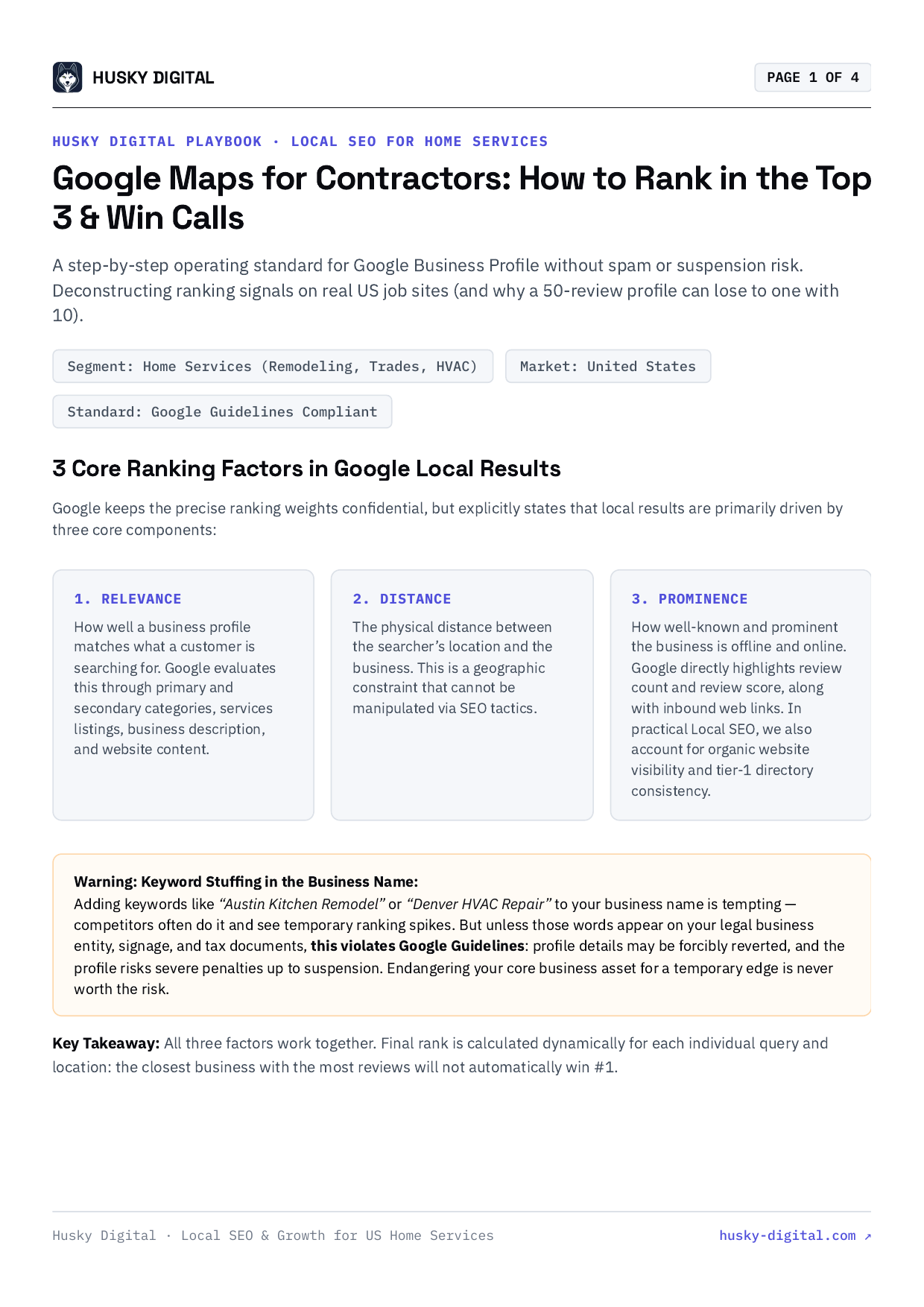
Google’s local pack ranks on three things — relevance, distance, and prominence. Distance (proximity to the searcher) is a heavy factor — Whitespark’s 2026 Local Search Ranking Factors study, the largest in the industry, still puts proximity in the top tier of signals alongside reviews and overall prominence. But “heavy” isn’t “decisive.” Proximity now decides eligibility, not dominance: a closer pin regularly loses to a business with stronger reviews, more relevant categories, better citations, and a real website presence. So the lever a pin gives you is real but narrow — and the relevance and prominence work matters whether or not you ever show an address.
A real address helps in specific situations:
- You serve a dense core market and your office sits in it. A visible pin near where your customers search gives you a genuine proximity edge for “near me” queries right around that address.
- You want to compete for the city you’re physically in. A storefront in your home city can lift rankings for that city’s local pack — for that city.
- Trust and conversions. A visible address, posted hours, and “you can visit us” signal legitimacy. That’s a conversion and trust factor, not just a ranking one.
Where it doesn’t help: if your office is on the edge of your service area, a pin there can actually concentrate your visibility in the wrong spot — strong right around the office, weaker in the suburbs 25 minutes out where half your jobs are. A hidden service-area profile, paired with strong local SEO and city pages on your site, often covers a wide metro more evenly than a single pin. Don’t reach for the pin assuming it’s an upgrade. It’s a trade-off.
One hard rule before you go further: the address has to be where you actually operate. Don’t pick or list a location because it sits closer to the customers you want — list it because you genuinely work out of it. Choosing an address to chase proximity is exactly the spam pattern Google’s video verification exists to catch, and getting caught costs you the whole profile.
The risks — read this before you touch anything
Re-verification
Adding or changing an address frequently triggers re-verification. Google may send a postcard to the new address, or — increasingly common — route you to video verification to prove the location is real, signed, and yours. If Google asks you to re-verify, do it. Skipping re-verification is itself a fast path to suspension.
A temporary ranking dip
Expect some turbulence. When the profile goes back into review, rankings can wobble or drop for a stretch while Google reprocesses and re-verifies the listing. This is usually temporary, but plan the change for a slow period, not the week before peak demand. Pair the move with call tracking so you can see exactly what happens to your lead flow during and after — and tell a real dip apart from normal week-to-week noise.
Suspension if the address is weak
This is the big one. Google treats address changes as high-risk because so much map spam is built on fake locations, virtual offices, and mailbox addresses. If your new address looks thin — no signage, no staff, a coworking suite, a mail center — a change can flip the profile into suspension while Google decides whether it’s real. A suspended profile disappears from Maps and the local pack until you fix the violation and win an appeal. That’s days to weeks of lost visibility, often during a season you can’t afford to lose.
If it happens, don’t panic and don’t start a new listing. Fix whatever triggered it — get signage up, correct a mismatched address — then file a Business Profile reinstatement request through Google’s support flow and attach proof the location is real: photos of signage, a lease or utility bill, your business license, a branded vehicle. One clean, well-documented appeal beats five rushed ones, and a new profile just throws away your reviews and history.
Moving vs. adding an address — they’re not the same edit
This piece is mostly about adding a first-ever address to a hidden SAB. If you’re relocating — an old address moving to a new one — the mechanics differ in one important way: edit the existing profile in place; never create a second listing for the new spot. A duplicate is a guidelines violation and a suspension risk, and Google may keep the old location indexed for a short while as it reprocesses. Update the one profile, re-verify, and let it settle. Same discipline, different starting point.
A coworking desk or virtual office is not the move
Be blunt with yourself here. Per Google’s Guidelines for representing your business on Google, a virtual office, a coworking hot desk used only for an address, a mail center, or a PO box does not qualify for a visible pin. A coworking space can technically work — but only if you genuinely operate there with permanent signage, posted hours, a unique suite, and staff who receive customers. Renting a desk to drop a pin in a city you don’t operate in is exactly what video verification is designed to catch.
If your only goal is “show a pin in a city where I don’t have a real location,” the answer isn’t a fake address — it’s earning relevance and prominence in that city the legitimate way: content, citations, reviews, and SEO. A fake pin that gets caught doesn’t just fail to rank — it can take your whole profile down with it.
How to do it cleanly
If you’ve got a legitimate, staffed, signed location and the move makes sense, here’s the disciplined way to do it:
- Confirm the address actually qualifies. Permanent signage up, staff present during posted hours, customers genuinely able to visit. If any of those is “sort of,” stop — you’re not ready.
- Lock down NAP consistency first. Make sure your Name, Address, Phone match exactly across your website, citations, and directories — before you change Google. A mismatch right when you’re under re-verification is a common trust flag that gets profiles questioned or suspended; cleaning it up first removes that flag. Mirror the new address on Bing Places and Apple Business Connect too, so your data stays consistent everywhere customers and AI assistants pull it from.
- Change one thing at a time. Don’t simultaneously rename the business, swap the phone number, change categories, and add an address. Google scrutinizes profiles with many edits at once. Add the address, let it settle and re-verify, then make other changes later.
- Edit the existing profile — never start over. Add the address to the same listing so you keep your reviews, photos, and history. Creating a new profile resets your review count and age, which are real assets. Don’t throw them away.
- Decide hybrid vs. storefront. If you still travel to jobs (almost every home-service owner does), set it up as hybrid: show the address, post hours, and keep your service-area cities listed. Keep the list realistic — Google caps service areas at around 20 and expects them to be within roughly a two-hour drive, so list the cities you truly cover, not a wish list. Only go pure-storefront if customers truly only come to you.
- Complete re-verification promptly and have your proof ready — signage, lease or utility bill, a branded vehicle, business license. If you get routed to video, that’s normal; show the location, the signage, and that you operate there.
- Monitor for 30–60 days. Watch rankings and lead volume. A short dip is expected; a sustained drop means something’s off and needs attention before the season hits.
FAQ
Will switching my service-area profile to a physical address help me rank? It can — but mostly in a tight radius around the new address, and only if the rest of your profile is strong. Proximity to the searcher is still one of the heaviest local-pack factors — Whitespark’s 2026 study keeps it in the top tier alongside reviews and prominence — but it’s no longer decisive on its own. A closer pin loses to a competitor with stronger reviews, citations, and relevance. A real, well-placed address gives you a genuine edge for searches right around it; it won’t fix a profile that’s weak everywhere else.
Can I get suspended just for changing my Google Business Profile address? Yes, it’s possible. Google treats address changes as a high-risk edit because so much map spam involves fake or virtual locations, so a change can trigger re-verification and, if the address looks weak, a suspension while Google confirms it’s real. Make sure the address is a legitimate, staffed location with permanent signage before you change anything, never use a coworking desk, virtual office, or PO box to fake a pin — and if you’re suspended, file a reinstatement request with proof rather than starting a new listing.
Will I lose my reviews if I convert to a storefront address? No. Editing the same profile — adding the address, adjusting hours, removing service areas — keeps your reviews, photos, and history intact. You lose reviews when you create a brand-new profile or merge profiles incorrectly. Changing the existing listing instead of starting over carries your review count and age forward, which are real ranking and trust assets.
Do I have to hide my service area if I show a storefront address? No — that’s the hybrid setup. If you genuinely have a staffed location with signage where customers can visit AND you travel to customers, you can show the storefront address, post hours for it, and still list the cities you serve. Hybrid is the right model for most home-service owners who get an office.
Bottom line
A visible map pin isn’t automatically an upgrade — it’s a trade-off that helps in a tight radius, carries real re-verification and suspension risk, and only works if the address is a genuine, staffed, signed location you actually operate from. Proximity is still a heavyweight factor, but it decides eligibility, not dominance: a closer pin won’t carry a weak profile past a competitor with stronger reviews and relevance. Done right — legitimate address, one change at a time, NAP locked down — you keep your reviews and gain an edge where it counts. Done with a fake or coworking address, you risk the whole listing.
If you’re not sure whether the move helps your specific market — or you want it done without a suspension scare — plan your GBP move with Husky Digital. We’ll look at where your customers actually search, whether a pin or a hidden service-area setup wins your metro, and sequence the change so your rankings and reviews survive it.
Frequently asked questions
- Will switching my service-area profile to a physical address help me rank?
- It can help — but mostly in a tight radius around the new address, and only if the rest of your profile is strong. Proximity to the searcher is still one of the heaviest local-pack factors (Whitespark's 2026 study keeps it in the top tier alongside reviews and overall prominence), but it's no longer decisive on its own. A closer pin loses to a competitor with stronger reviews, citations, and relevance. So a real, well-placed address gives you a genuine edge for searches right around it — it won't fix a profile that's weak everywhere else.
- Can I get suspended just for changing my Google Business Profile address?
- Yes, it's possible. Google treats address changes as a high-risk edit because so much map spam involves fake or virtual locations, so a change can trigger re-verification and, if the address looks weak, a suspension while Google confirms it's real. The fix is to make sure the address is a legitimate, staffed location with permanent signage before you change anything — never use a coworking desk, virtual office, or PO box to fake a pin — and if you do get suspended, file a Business Profile reinstatement request with proof rather than creating a new listing.
- Will I lose my reviews if I convert to a storefront address?
- No. Editing the same profile — adding the address, adjusting hours, removing service areas — keeps your reviews, photos, and history intact. You lose reviews when you create a brand-new profile or merge profiles incorrectly. The whole point of changing the existing listing instead of starting over is to carry your review count and age forward, which are real ranking and trust assets you don't want to reset.
- Do I have to hide my service area if I show a storefront address?
- No — that's the hybrid setup. If you genuinely have a staffed location with signage where customers can visit AND you travel to customers, you can show the storefront address, post hours for it, and still list the cities you serve. Hybrid is the right model for most home-service owners who get an office. Pure service-area (hidden address) is for businesses with no customer-facing location, and pure storefront is for businesses customers only come to.